
Mockup Generator Tools
Mockup Generator Tools: Bringing Your Brand Vision to Life, Digitally Ever stare at a logo you’ve just designed, or a new marketing campaign concept, and think, “This looks great on my screen, but how will it actually look out in the wild?” It’s a question that crosses the minds of designers, marketers, and brand managers
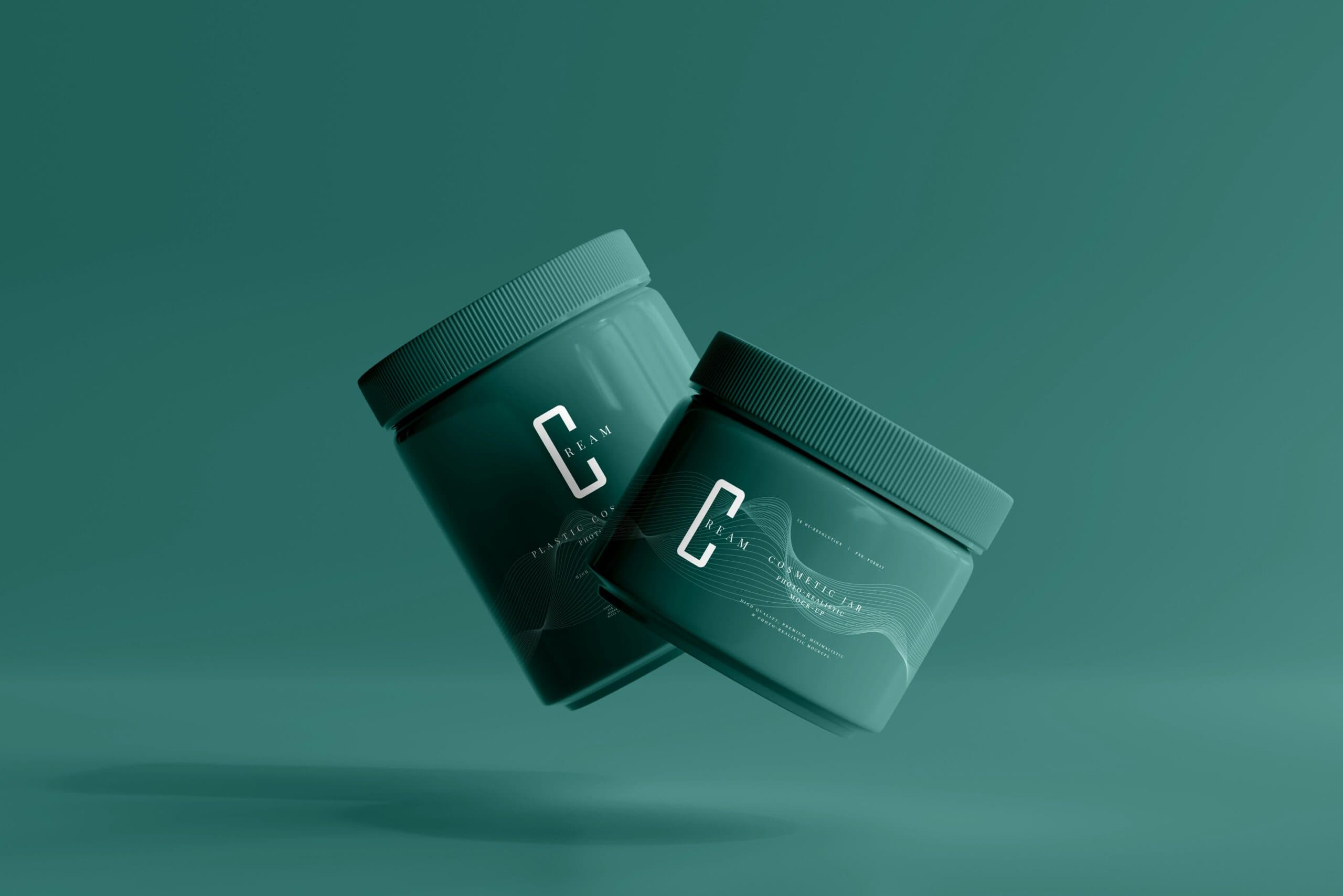
Table of contents
- Mockup Generator Tools: Bringing Your Brand Vision to Life, Digitally
- What Exactly is a Mockup Generator?
- Why Are Mockup Generators So Crucial for Brands?
- 1. Realistic Visualization and Design Validation
- 2. Streamlined Client and Stakeholder Presentations
- 3. Enhanced Marketing Collateral Development
- 4. Cost and Time Savings
- 5. Supporting Rebranding and Brand Evolution
- Types of Mockup Templates Available
- Apparel and Merchandise Mockups
- Packaging Mockups
- Digital and Screen Mockups
- Print and Stationery Mockups
- Environmental and Scene Mockups
- Choosing the Right Mockup Generator Tool
- Tips for Creating Effective Mockups
- The Future of Mockup Generation
Mockup Generator Tools: Bringing Your Brand Vision to Life, Digitally
Ever stare at a logo you’ve just designed, or a new marketing campaign concept, and think, “This looks great on my screen, but how will it actually look out in the wild?” It’s a question that crosses the minds of designers, marketers, and brand managers every single day. You’ve poured hours into crafting the perfect visual identity, or perhaps a compelling new piece of marketing collateral, but seeing it in isolation is like admiring a single ingredient without imagining the finished dish. That’s where mockup generator tools come into play, acting as your digital staging ground, allowing you to visualize your brand assets in realistic, everyday scenarios before they ever hit the press or go live.
Think of it this way: a chef meticulously prepares each component of a meal. They taste, adjust, and refine. But before serving it to esteemed guests, they’d plate it beautifully, perhaps adding a garnish, to present the complete culinary experience. Mockup generators do the same for your brand. They take your raw design elements – your logo, your typography, your color palette – and place them onto virtual products, packaging, websites, social media feeds, and more, giving you an invaluable preview of the final output. It’s about bridging the gap between creation and presentation, ensuring your brand looks its absolute best, wherever it appears.
In today’s fast-paced digital world, speed and clarity are paramount. Decisions need to be made quickly, and presenting a clear vision is crucial for stakeholder buy-in and team alignment. This is why investing in your brand and having the right tools to showcase its evolution is so important. Mockup generators are no longer a niche luxury; they’ve become an indispensable part of the modern branding toolkit. They save time, reduce costly errors, and, most importantly, help you present your brand with confidence and professionalism.
What Exactly is a Mockup Generator?
At its core, a mockup generator is a digital tool, often web-based or a feature within design software, that allows you to superimpose your 2D designs onto 3D models or existing photographs. Instead of painstakingly Photoshopping your logo onto a t-shirt image, or manually resizing your brochure design to fit a virtual pamphlet, a mockup generator does the heavy lifting for you. You select a template – say, a coffee mug, a business card, a website landing page, or even a billboard – upload your artwork, and the tool intelligently wraps, scales, and applies your design to the chosen object or scene. It’s like having an entire virtual studio at your fingertips.
These tools are designed with user-friendliness in mind. Most offer a vast library of pre-made templates covering a wide array of use cases. Want to see your logo on a tote bag for a promotional giveaway? There’s a template for that. Need to visualize your new app interface on a smartphone screen? Plenty of those. Curious how your packaging design will look on a shelf alongside competitor products? You can find templates for that too. The process is typically straightforward: choose your template, upload your design files (logos, images, text), adjust positioning and scaling as needed, and then download the high-resolution rendered image.
Why Are Mockup Generators So Crucial for Brands?
The benefits of using mockup generators extend far beyond just making things look pretty. They are powerful tools that impact efficiency, communication, and the overall success of your branding efforts. Let’s dive into why they’ve become so essential:
1. Realistic Visualization and Design Validation
This is the most obvious, yet arguably the most important, benefit. A flat design on a screen is one thing; seeing it integrated into a real-world context is another. A mockup generator allows you to:
- Assess scale and proportion: Is your logo too big or too small on that t-shirt? Will the text on your business card be legible? Mockups provide a tangible sense of scale.
- Check color accuracy: Colors can behave differently on various materials and under different lighting conditions. Mockups offer a more accurate preview than a simple digital render.
- Identify design flaws: What looks perfect on a blank canvas might have awkward spacing or visual clashes when placed on a textured surface or in a complex scene. Mockups help catch these issues early.
- Understand material interaction: How will your design look printed on glossy paper versus matte? How will it appear embossed on leather? Mockups can simulate these effects.
Imagine you’re designing packaging for a new organic snack bar. You have a vibrant color scheme and a clean logo. You upload these to a mockup of a snack bar wrapper. Suddenly, you notice that a specific shade of green, which looked great on screen, appears a bit dull on the matte finish of the wrapper. Or perhaps the carefully chosen font for the nutritional information looks too cramped when wrapped around the edge. Without a mockup, you might only discover these issues after a costly print run. This is a prime example of how mockups save both time and money.
2. Streamlined Client and Stakeholder Presentations
Presenting design concepts to clients or internal stakeholders can be challenging. Raw design files often lack context and can be difficult for non-designers to interpret. Mockup generators solve this by:
- Providing context: Showing a logo on a business card or a website homepage is far more impactful than showing it in isolation. It helps everyone visualize the brand in action.
- Facilitating feedback: When people can see how a design will look in a real-world application, their feedback becomes more specific and actionable. “I don’t like the blue” is less helpful than “The blue on the website banner feels a bit too corporate; could we explore a slightly warmer tone that aligns with our new product packaging?”
- Boosting confidence: A polished presentation with realistic mockups demonstrates professionalism and attention to detail, instilling confidence in your creative direction.
Consider the process of pitching a new campaign to a marketing director. Instead of showing them a series of flat banner ads, you can use a mockup generator to place those banners onto realistic mockups of a website sidebar, a social media feed, and even a digital billboard. This immersive presentation allows the director to immediately grasp the campaign’s presence and impact across different channels, leading to quicker approvals and fewer revisions.
3. Enhanced Marketing Collateral Development
Marketing collateral encompasses a wide range of materials, from brochures and flyers to presentations and social media graphics. Mockup generators are invaluable for ensuring consistency and impact across all these touchpoints. For instance, if you’re developing a suite of marketing materials for a new product launch, you can use mockups to:
- Ensure brand consistency: See how your logo, fonts, and color palette translate across various pieces of collateral, ensuring a cohesive brand experience. This is a critical aspect of any successful marketing collateral types strategy.
- Visualize product integration: How will your product look in lifestyle photography for a brochure? Mockups can help you plan these shots or even create placeholder images.
- Test different layouts: Quickly iterate on brochure layouts or presentation slide designs to find the most visually appealing and informative arrangement.
Think about a company launching a new tech gadget. They need product brochures, website banners, social media ads, and maybe even a press kit. Using a mockup generator, they can see their product images and branding applied to these different formats. They might realize that the product’s power button, which looks great from the front, is less prominent on the side profile shown in a brochure. This insight allows them to adjust their photography or design approach before committing to print.
4. Cost and Time Savings
This is a big one. Producing physical prototypes or hiring photographers for every single variation of a product or marketing material can be incredibly expensive and time-consuming. Mockup generators offer a cost-effective and rapid alternative:
- Reduce physical prototyping: Test packaging designs, apparel variations, or product aesthetics digitally before investing in expensive physical samples.
- Minimize revisions: Catching errors and making improvements early in the digital mockup phase prevents costly rework later, especially after printing or manufacturing.
- Accelerate the design process: Rapidly generate multiple design variations and present them for feedback, speeding up the entire design and approval cycle.
Imagine a small business owner who wants to sell custom-designed merchandise. Instead of ordering samples of every t-shirt color, hoodie style, and tote bag they offer, they can use a mockup generator to showcase their designs on a variety of items. This allows them to gauge customer interest and refine their product offerings without upfront inventory costs, demonstrating a key aspect of smart marketing efficiency.
5. Supporting Rebranding and Brand Evolution
When a brand undergoes a significant transformation, whether it’s a full rebranding process or a subtle refresh, visualizing the new identity across all touchpoints is critical. Mockup generators are invaluable for this:
- Showcasing the new identity: See how the updated logo, color palette, and typography will look on everything from stationery and signage to digital platforms and merchandise.
- Comparing old and new: Some tools allow for side-by-side comparisons, making the impact of the rebrand clearer for stakeholders.
- Generating excitement: Presenting a compelling vision of the future brand can help generate internal excitement and external anticipation.
A company deciding to update its logo and brand colors can use mockups to show existing customers and employees what the familiar business cards, website, and office signage will look like with the new branding. This visual transition can make the rebranding feel less abrupt and more of a natural evolution. For those managing multiple brands under one umbrella, understanding how each brand’s identity will be represented is also crucial, making tools that support multi-brand architecture essential.
Types of Mockup Templates Available
The versatility of mockup generators is one of their strongest assets. The templates available cover an incredibly broad spectrum of applications. Here are some of the most common categories:
Apparel and Merchandise Mockups
This is a hugely popular category, especially for businesses selling physical products or promotional items.
- T-shirts, Hoodies, and Sweatshirts: See your designs on various fits, colors, and styles of tops.
- Hats and Beanies: Visualize logos or graphics on headwear.
- Tote Bags and Backpacks: Perfect for showcasing promotional or retail bag designs.
- Mugs and Drinkware: Ideal for promotional items or branded kitchenware.
- Phone Cases: Test designs on popular smartphone models.
- Stickers and Labels: See how your artwork translates to smaller adhesive formats.
Packaging Mockups
Crucial for CPG (Consumer Packaged Goods) brands, e-commerce businesses, and anyone selling physical products.
- Box Mockups: For shipping boxes, product boxes, and gift boxes.
- Bottle and Jar Mockups: For beverages, food products, cosmetics, and more.
- Pouches and Bags: For snacks, coffee, pet food, and other flexible packaging.
- Labels: To visualize labels on bottles, jars, or other containers.
- Display Boxes and Retail Packaging: To see how products will look on store shelves.
Digital and Screen Mockups
Essential for app developers, web designers, and anyone creating digital content.
- Website Mockups: See your website designs on various screen sizes (desktops, laptops, tablets).
- App Mockups: Visualize your app interfaces on smartphones and tablets.
- Social Media Mockups: See how your graphics will look in Instagram feeds, Facebook posts, Twitter cards, etc.
- Presentation Mockups: Place your slides onto laptop or tablet screens for a more professional presentation.
- eBook and Digital Publication Mockups: Visualize your digital books or magazines.
Print and Stationery Mockups
For businesses that rely heavily on traditional print materials.
- Business Cards: See your contact information in a professional context.
- Brochures and Flyers: Visualize folded or flat marketing materials.
- Posters and Billboards: Gauge the impact of large-format advertising.
- Letterheads and Envelopes: Ensure consistency for official correspondence.
- Magazines and Books: See cover designs and internal layouts.
Environmental and Scene Mockups
These place your branding within a broader context, offering a lifestyle or ambient feel.
- Office Environments: See your logo on walls, reception desks, or signage.
- Retail Storefronts: Visualize your brand’s presence on a shop window or signage.
- Outdoor Scenes: Place banners or signs in park settings, urban landscapes, etc.
- Lifestyle Shots: Show your product being used or your brand integrated into everyday life.
The sheer variety means you can almost always find a template that accurately represents how your brand will appear in the real world. For instance, a university looking to create promotional materials might use mockups to see their new mascot design on pennants, t-shirts, and even on the side of a campus shuttle bus, ensuring their brand feels present across the entire student experience. This ties into the kind of detailed planning needed for best university site tools and broader branding efforts.
Choosing the Right Mockup Generator Tool
With so many options available, how do you pick the right tool for your needs? Here are some factors to consider:
- Template Library: Does the tool offer a wide variety of high-quality templates relevant to your industry and the types of assets you create?
- Ease of Use: Is the interface intuitive? Can you quickly upload your artwork and make adjustments without a steep learning curve?
- Customization Options: Beyond just placing your logo, can you adjust colors, shadows, lighting, and angles to achieve a truly realistic look?
- Output Quality: Does the tool generate high-resolution images suitable for professional presentations and even some print applications?
- Pricing Model: Is it a free tool with limitations, a subscription service, or a pay-per-mockup model? Consider your budget and usage frequency.
- Integration: Does it integrate with other design software or cloud storage you use?
- Collaboration Features: Can you easily share mockups with your team or clients, and do they offer commenting or feedback tools?
For many, starting with free online tools can be a great way to experiment and understand the possibilities. As your needs grow, or if you require more advanced features and a larger selection of templates, investing in a paid service might be the next logical step. The key is to find a tool that fits your workflow and helps you achieve your visualization goals efficiently.
Tips for Creating Effective Mockups
Simply dropping your logo into a template isn’t always enough. To make your mockups truly shine and serve their purpose effectively, consider these tips:
- Use High-Quality Source Files: Start with your logo, artwork, and images in their highest resolution and with transparent backgrounds (like PNG files) where appropriate. A blurry or low-res source will result in a blurry mockup.
- Understand the Template: Pay attention to the template’s design. If it’s a glossy magazine cover, your flat logo might not look realistic without some subtle reflection or shadow effects.
- Pay Attention to Scale: Double-check that your design elements are scaled appropriately for the object. A business card design should have legible text; a logo on a billboard should be impactful from a distance.
- Consider the Context: If you’re using a lifestyle mockup, ensure your brand’s aesthetic matches the scene. A luxury brand shouldn’t be mocked up in a cluttered, low-end environment unless that’s a deliberate juxtaposition.
- Experiment with Lighting and Shadows: Many mockup generators allow you to adjust these. Subtle adjustments can make a huge difference in realism. Does the light source in the scene match where a shadow would naturally fall on your design?
- Keep it Simple (Initially): For initial presentations, a clean, straightforward mockup is often best. You can add more complex environmental or lifestyle mockups once the core design is approved.
- Show Multiple Angles or Variations: If your design has different sides or color options, create mockups for each to give a comprehensive view.
- Ensure Brand Consistency: If you’re creating mockups for various marketing collateral types, ensure the same logo version, colors, and fonts are used across all of them.
For example, if you’re creating a campaign for a new line of skincare products, you might use a mockup generator to show your product packaging on a bathroom shelf with natural light, a social media post featuring the product in a “morning routine” context, and a print ad in a lifestyle magazine. This holistic approach ensures the brand feels cohesive and aspirational wherever it’s encountered.
The Future of Mockup Generation
Mockup generation technology is continually evolving. We’re seeing advancements in several key areas:
- AI-Powered Generation: Artificial intelligence is starting to play a role, enabling tools to generate more realistic scenes, suggest optimal placements for designs, and even create entirely new mockup templates based on user input.
- 3D Integration: As 3D modeling becomes more accessible, mockup tools are incorporating more sophisticated 3D rendering, allowing for
Saurabh Kumar
Founder, BrandKity
Saurabh writes about practical brand systems, faster client handoffs, and scalable workflows for designers and agencies building repeatable delivery operations.
Connect on LinkedIn




