
Architecture & Design Firms
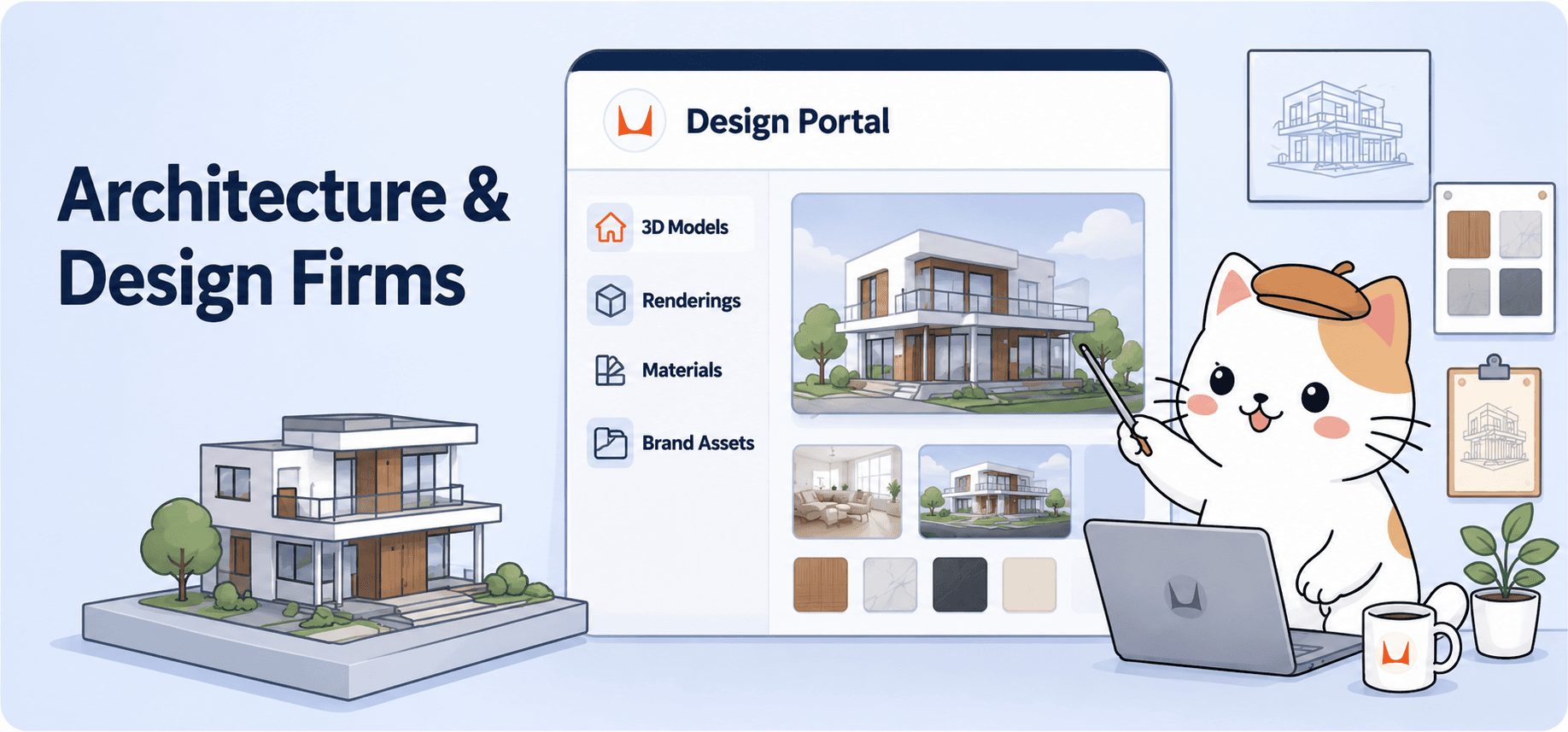
Present 3D models, renderings, and brand materials to clients through an interactive portal — no file dumps, no confusion.
The challenge
Architectural firms manage an enormous volume of assets across every project — 3D models in IFC, OBJ, and FBX formats, high-resolution renderings, material specifications, brand guidelines for firm identity, and client-facing deliverables. Today these live across Dropbox folders, WeTransfer links, and email attachments. Clients struggle to open 3D files, renderers go missing in zip archives, and keeping everything current across project phases is a nightmare.
The solution
BrandKity gives architecture firms a dedicated project portal for every client. Upload 3D building models (GLB, OBJ, FBX, IFC, STL, STEP — 19+ formats supported) and clients can explore them interactively in the browser with orbit, zoom, and pan controls. No plugins, no downloads, no special software needed. Pair the 3D models with renderings, material boards, brand assets, and documentation in one polished link.
Key features
- Interactive 3D model viewer — clients explore buildings and interiors right in the browser
- Support for 19+ 3D formats including IFC (BIM), STEP, FBX, OBJ, GLB, STL
- One shareable portal per project — renderings, 3D models, materials, and specs together
- Always current — update a model and the client sees the latest version instantly
- Password protection for confidential project presentations
- Download controls — let clients save assets or view-only as needed
- Professional presentation that matches the quality of your design work
- Works on desktop and mobile — clients can explore on any device
Who uses this
- Architecture studios presenting design proposals to clients
- Interior design firms sharing material and furniture specifications
- Urban planning teams showcasing 3D city models and renders
- Construction companies delivering BIM models and documentation
- Landscape architects presenting site plans and 3D visualizations
How it works
- Create a new BrandKit for your project or client
- Add a 3D Models block — upload your IFC, OBJ, FBX, or GLB files
- Add Visuals blocks for renderings, elevations, and material boards
- Add Resources for specifications, PDFs, and CAD exports
- Share one link — the client opens it and explores everything interactively
So, how does BrandKity work?
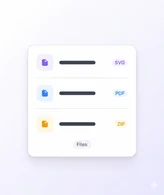
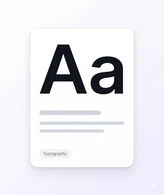
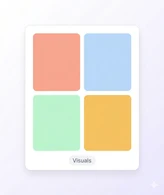
Create your BrandKit
Pick a template, add your accent color, and give your kit a name. Your BrandKit is ready in seconds.
Add your brand blocks
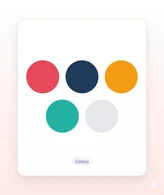
Add logos, colors, fonts, visuals, and files in one BrandKit.

Publish and share
Launch your BrandKit and share one clean, branded link.




Η επωνυμία σας αξίζει
ένα σπίτι.
Ξεκινήστε να μοιράζεστε τα πάντα σε έναν σύνδεσμο. Δωρεάν — δεν απαιτείται πιστωτική κάρτα.